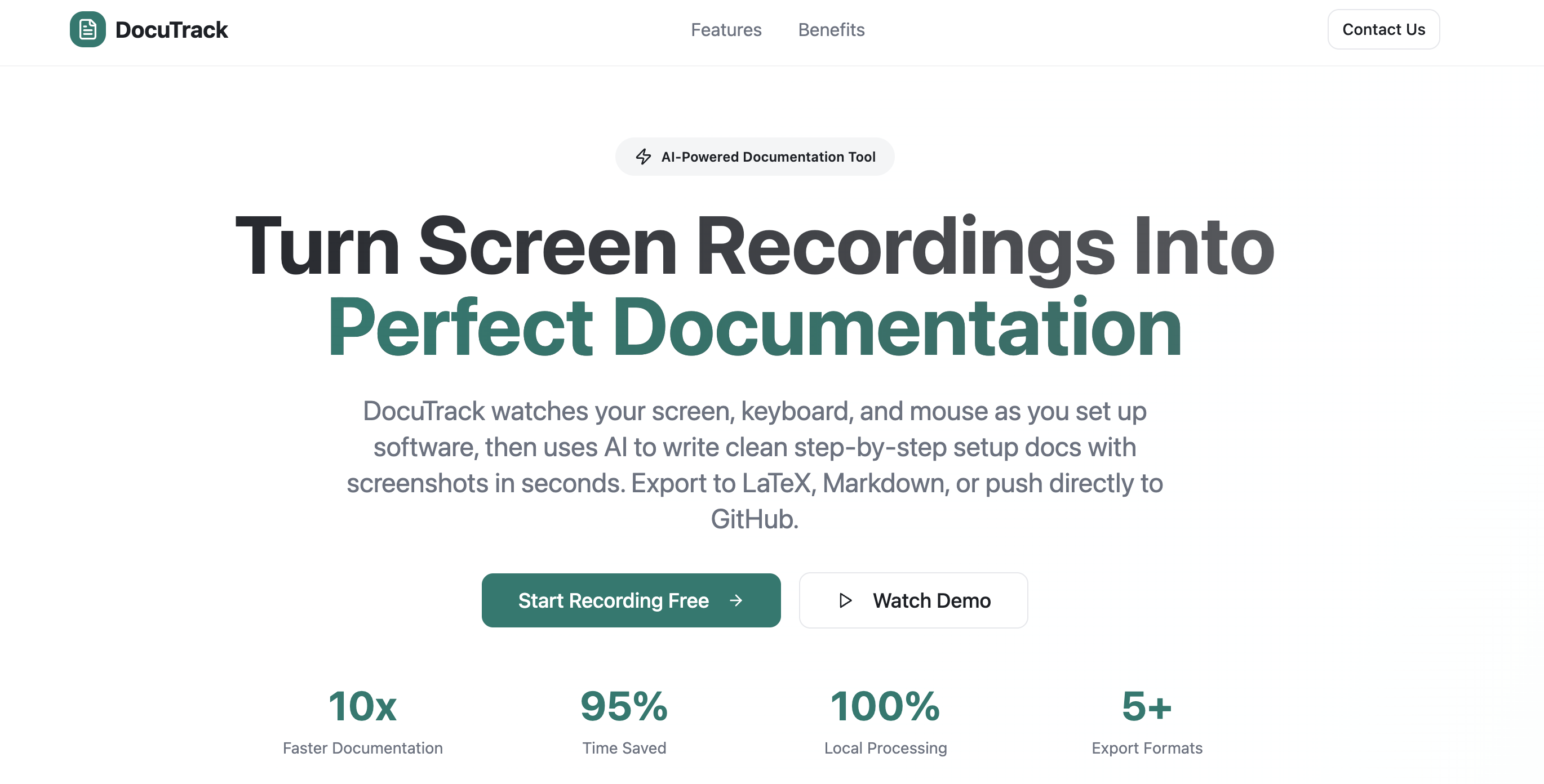
DocuTrack turns a live screen recording into structured documentation. Writing setup guides manually is slow, inconsistent, and often skipped — DocuTrack automates the entire process by watching the screen, capturing screenshots around meaningful actions, and using Cohere AI to infer what the user did and generate the corresponding steps.
The system takes screenshots twice a second with extra captures when important actions occur. Screenshots before and after each keystroke are grouped and sent to Cohere, which interprets them into readable documentation steps. Output is formatted as Markdown or LaTeX with embedded screenshots, ready to publish directly in GitHub repos, onboarding docs, or classroom labs.
- Desktop recorder with a Tkinter GUI for recording control
- Keyboard input flagged as action triggers; screenshots grouped around each keystroke
- Grouped images sent to Cohere using a multi-chat architecture for more effective event interpretation
- Embeddings used for screenshot deduplication to avoid redundant steps
- Output rendered in Markdown or LaTeX with embedded screenshots
Built a full pipeline from raw screen captures to polished LaTeX docs, with output quality good enough to publish directly in GitHub repos.